Getting Started with MonoGame using Visual Studio
MonoGame (for those of you not yet aware) is a Game Building Framework / API born from the ashes that was the Microsoft XNA Framework that provides a very easy to use API to build games. (or 3D Apps)
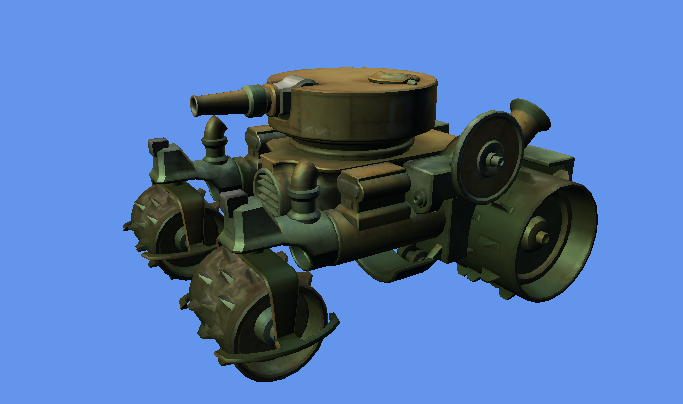

Working with assets with projects and games is hard enough these days, from finding the right artist, tweaking and reviewing the content and then faced with the trouble of how best to import and manage it in your game. The problem is the same no matter which game engine or framework you turn to for your game production.
To accompany the video project for the walkthrough of building multi-platform solutions with MonoGame, this blog post will walk you through some best practices and tips and tricks for starting and managing your MonoGame projects, with the aim to take them to as many platforms as possible with the least amount of pain.
To accompany the video project for the Content Project/pipeline tool, this blog post will also show you all the features of the MGCB tool, along with a few tips and tricks.
FBX as a standard for 3D model files has been around a while now, it is robust and commonly used simply because formats like .X (DirectX) and obj (Wavefront) either are not supported or implementations can vary (but everyone always has an opinion on which format is their favourite. Use what you prefer!).
I personally hate link-baity titles, however this one is completely justified.
Thought I might try and write the longest title ever on my blog, not sure I have made it but it was a worthy effort.
After a flurry of activity the MonoGame NuGet packages have been updated.