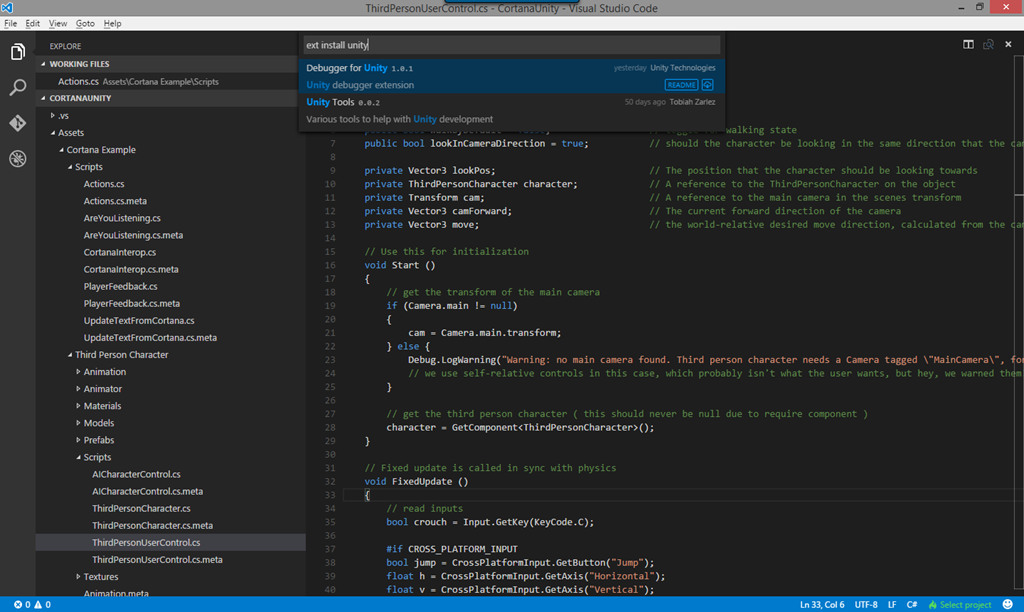
Debugging Unity 3D with VSCode

· 9 min read

image

**Updated for Version 1.0.0 – be aware there are some new “Getting Started” extra points, like installing C#, which is no longer installed by default.

I have written several articles on the use of VSCode with Unity through its evolution but time and tide waits for no man as the behemoth of technology marches on.

Updating old FBX files for the modern era

· 5 min read

image

FBX as a standard for 3D model files has been around a while now, it is robust and commonly used simply because formats like .X (DirectX) and obj (Wavefront) either are not supported or implementations can vary (but everyone always has an opinion on which format is their favourite. Use what you prefer!).

Entering the brave new world of VR

· 7 min read

It should come as no surprise to anyone that the dream of Virtual Reality (VR) and Augmented Reality (AR) experiences has accelerated in recent months/years with the evolution of newer and more modern technologies and techniques. Many companies, Kickstarter’s and freelance coders / architects are steadily bringing about the Reality revolution. Whether we are actually there yet or there is still a way to go before there is full consumer acceptance of VR/AR (like Cars and mobile phones do today) is a point of debate. Anyone however who has tried at least one Demo though will tell you they are very impressed.

The Unity UI Extensions update

· 5 min read

Note, UI Extensions project now updated for 5.2 (with its pesky updates), together with a 5.2 asset. Enjoy

Time is always against us, especially when your building your projects, tweaking your code or just getting ready for a release, wading through mountains of contracts, marketing PR or getting greenlit.

Configuring Unity3D to use the new lightweight Visual Studio Code editor

· 10 min read

Note, this article has now been superseded with a new version for the VSCode 0.8.0 release and the new Unity Asset plugin
http://darkgenesis.zenithmoon.com/vscode-and-unity-take-another-bold-step-forward/

On day 1 of the Microsoft Build conference, Microsoft announced an all new, streamlines and lightweight code editor called Visual Studio Code. The big thing about this announcement is that it’s available for Windows, Mac and Linux natively (deployed as a modern cross-platform web app judging by it’s innards).